
Hybrid Work Setup
Work settings that move between office and home.
Offinest hybrid work setups connect commercial office furniture, home office desks, ergonomic seating, storage, and shared workspace pieces into flexible environments that support changing schedules without losing structure.

Flexible workspace logic
Hybrid furniture should connect fixed work, shared work, and home work.
A hybrid setup is not only a smaller office or a better home desk. It is a furniture plan that helps people move between locations while keeping workstations, storage, meeting zones, and daily tools easy to understand.
Start with the days people share, then plan the furniture around flow.
The strongest hybrid workspaces give people a clear place to land, a comfortable place to focus, and a shared setting for team alignment. Furniture should make that shift feel natural.
- 1 Keep shared workstations simple, consistent, and easy to reset.
- 2 Use ergonomic seating across both office and home setups.
- 3 Add storage for personal items, shared tools, and daily supplies.
- 4 Place meeting furniture close to team zones, not inside focus paths.
Furniture elements
The right pieces make hybrid work feel intentional.
Hybrid environments benefit from furniture that is easy to use, easy to reset, and visually consistent across different work modes.
Flexible Desks
Clean desk forms support rotating users, laptop days, focused work, and compact home office needs.
For office and home tasksErgonomic Seating
Supportive office chairs help people stay comfortable across changing schedules and longer work sessions.
For everyday comfortMeeting Tables
Shared tables support team days, planning sessions, project reviews, and quick collaborative decisions.
For team alignmentStorage Systems
Cabinets and filing units keep shared supplies, personal items, and office materials organized between users.
For clean transitions
When people come together, the furniture should make collaboration easy.
Hybrid offices need more than rows of desks. They need clear team zones, comfortable seating, storage that resets quickly, and meeting furniture that supports the work people save for in-person days.
- 1 Place collaborative furniture near shared workstation areas.
- 2 Keep individual desks simple enough for rotating users.
- 3 Use storage to separate personal items from shared supplies.
- 4 Maintain quiet focus zones for deep work during busy office days.
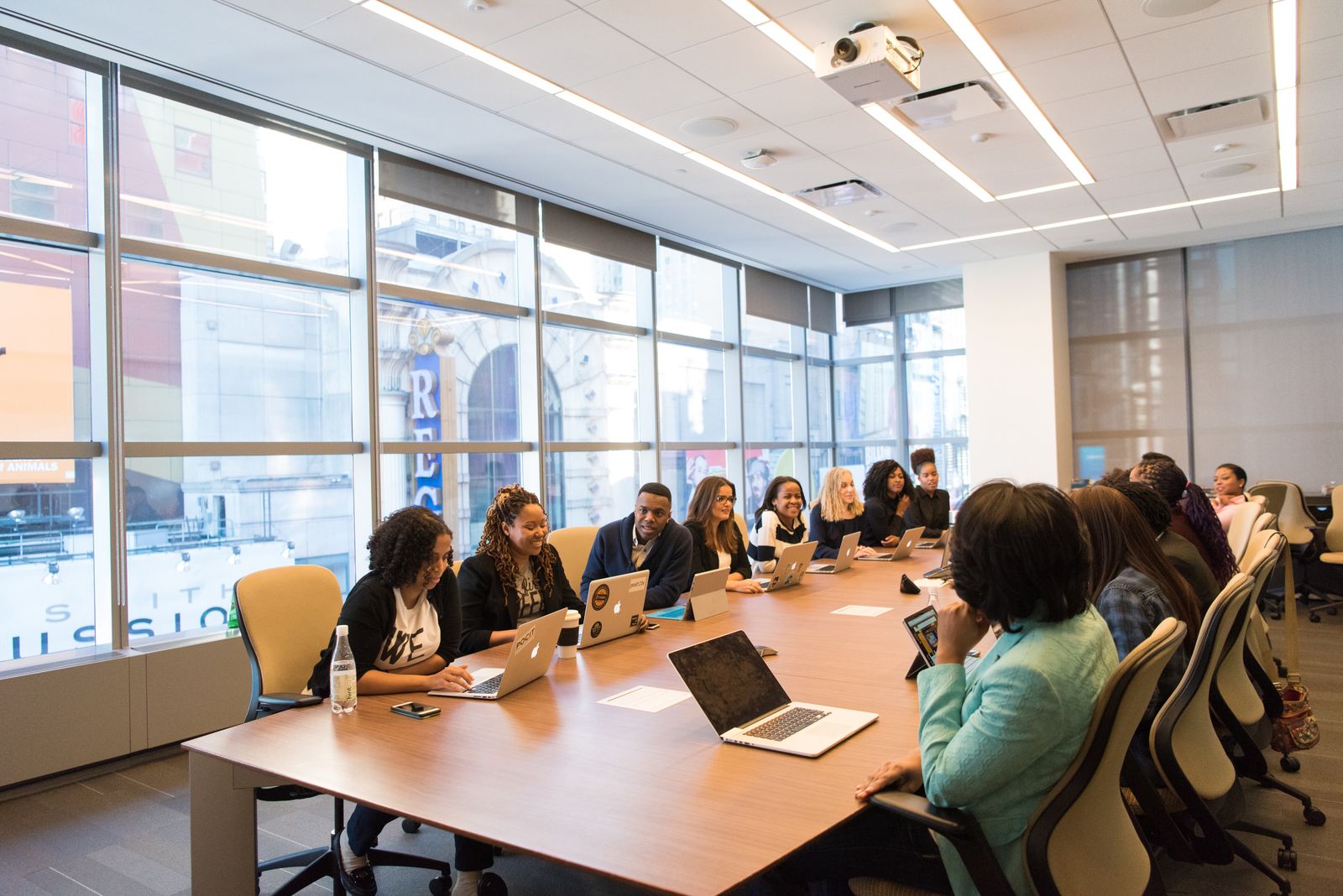
Designed for the reset.
Hybrid spaces work best when each user can arrive, work, meet, and leave without creating friction for the next person.
Offinest details.
Plan a hybrid setup with practical furniture, clear layouts, and dependable support.
Setup method
Plan for movement between settings, not one fixed routine.
Hybrid work changes throughout the week. The furniture plan should support focused home work, structured office days, quick meetings, and reliable storage without making the space feel temporary.
Separate focus, meeting, and landing zones.
Give each work mode a clear furniture setting so people know where to settle, collaborate, or reset their materials.
Standardize comfort across desks.
Use consistent ergonomic seating and desk proportions so rotating workstations feel dependable and professional.
Add storage for shared rhythm.
Cabinets, filing units, and personal storage points help hybrid spaces stay organized between office days.
Create a hybrid setup that feels clear, comfortable, and ready for changing workdays.
Explore Offinest office furniture or contact us for help pairing desks, ergonomic seating, storage, meeting tables, and home office pieces into a refined hybrid work environment.